Managing inventory can become difficult when boxes, bins, shelves, and stored items continue to increase. Whether you are organizing household belongings, moving to a new home, managing a storage unit, or keeping track of business supplies, traditional inventory lists can take time and become outdated.
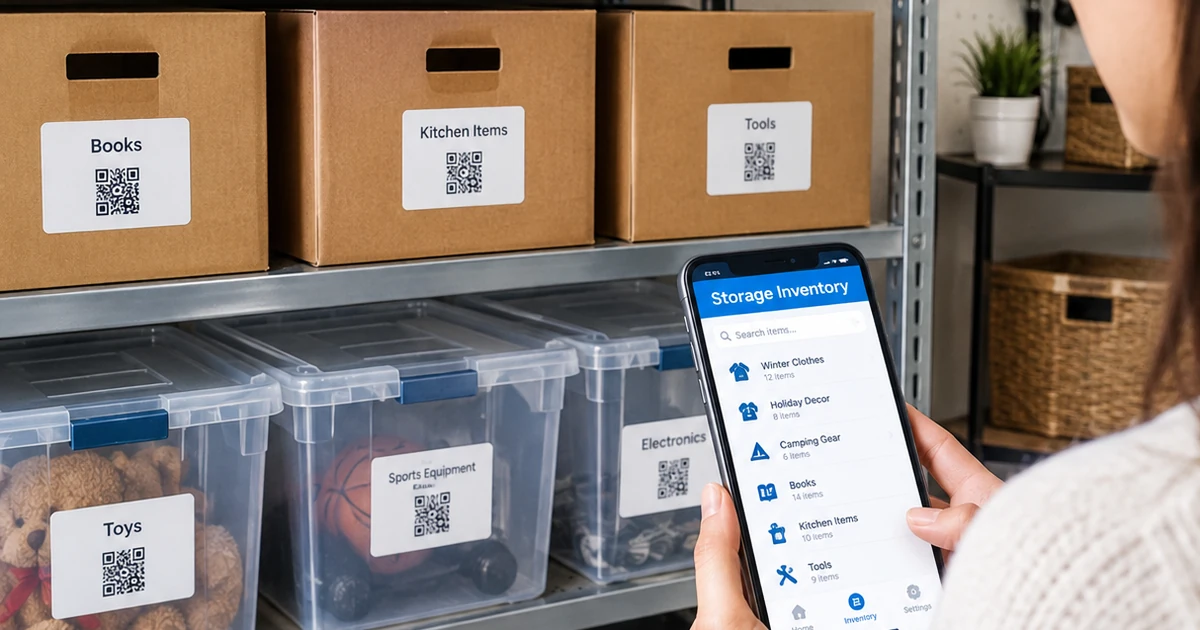
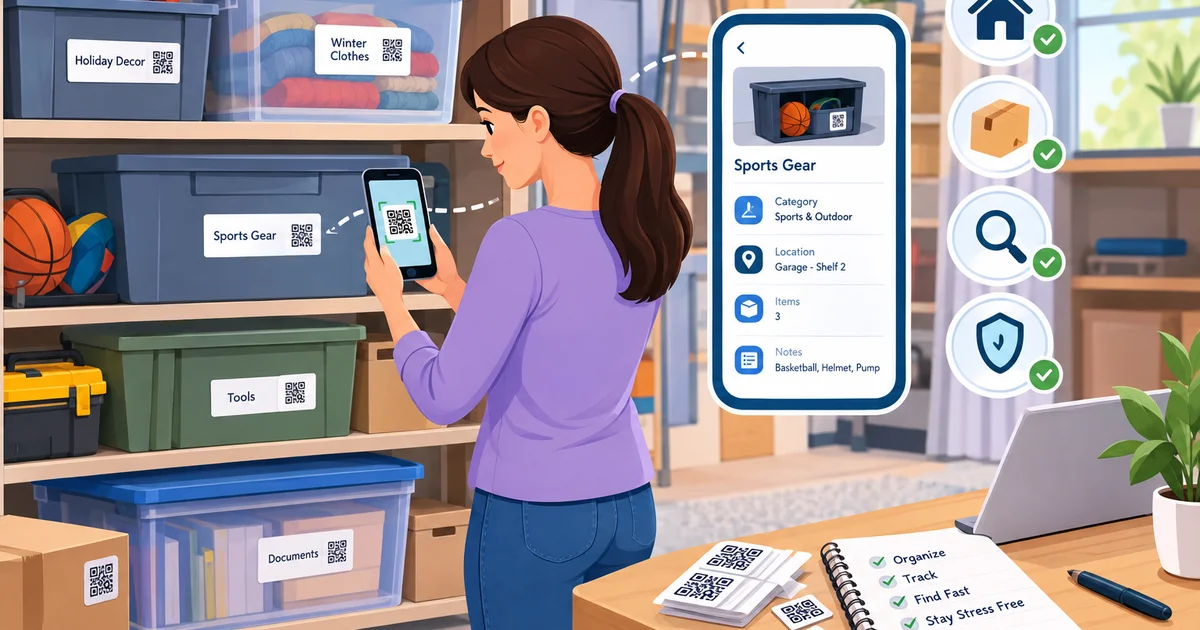
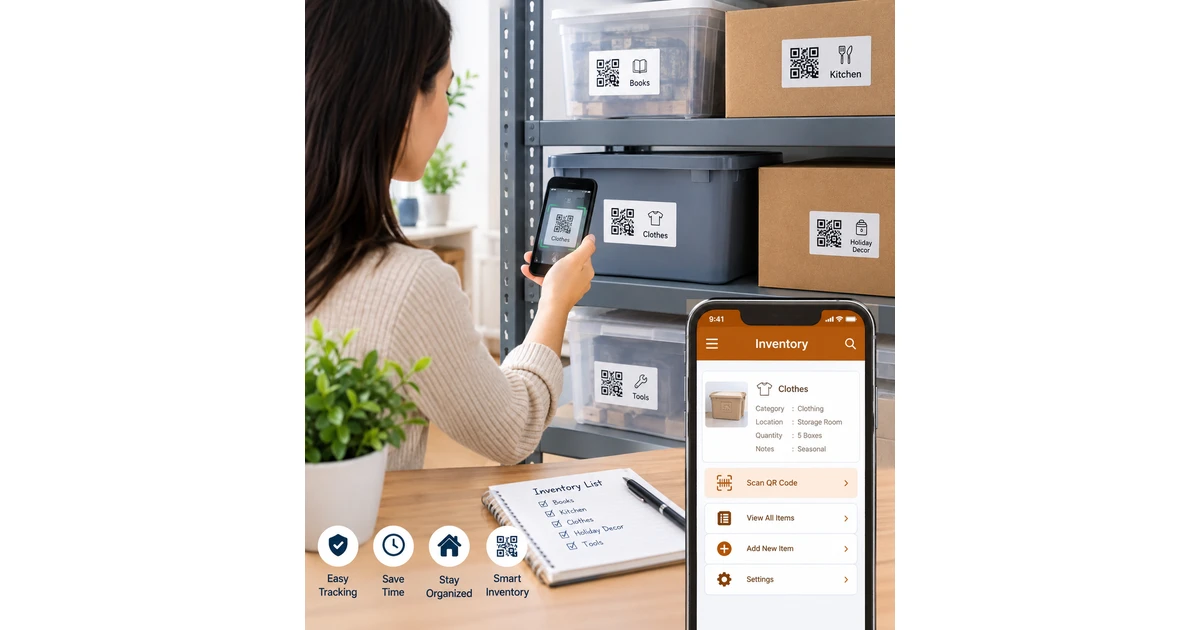
A QR code for inventory provides a simple way to connect physical items with digital information. By placing a QR code on a box, bin, shelf, or container, you can scan it with a smartphone and quickly access the information associated with that item.
What Is a QR Code for Inventory?
A QR code is a scannable code that can store or connect to digital information. For inventory management, each code can be assigned to a specific box, container, product, or storage location.
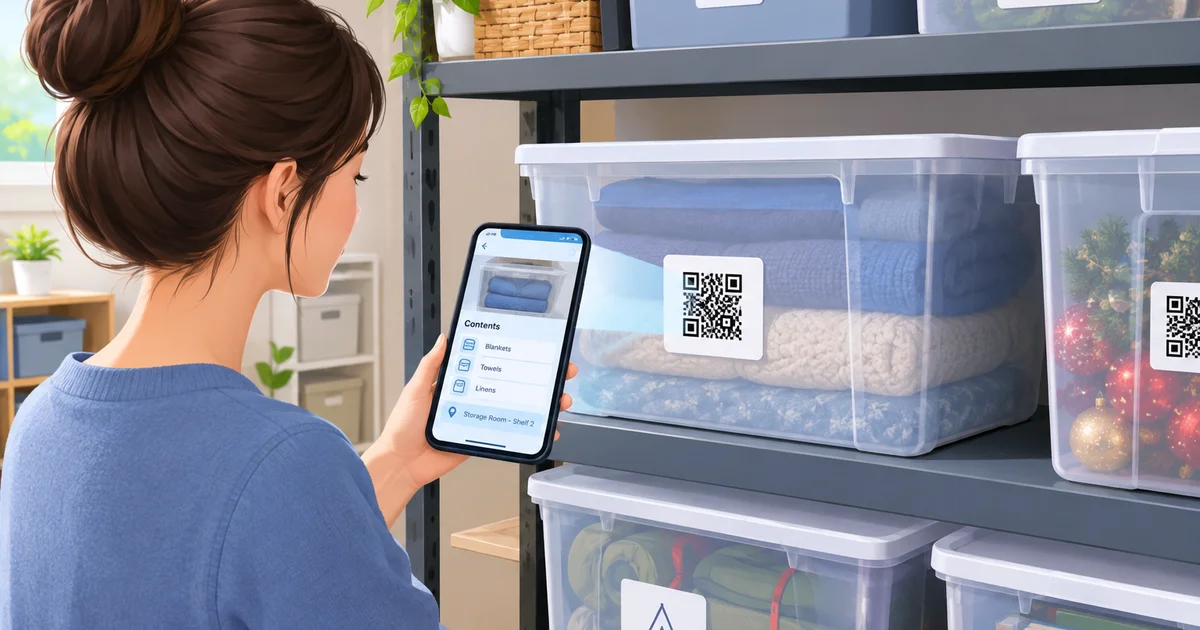
Instead of opening several boxes to determine what is inside, you can scan the code and check the corresponding inventory information. Depending on the system you use, this information may include item names, quantities, categories, storage locations, notes, or other useful details.
This approach creates a connection between your physical storage system and digital inventory records.
Why Use QR Codes for Inventory?
Keeping an inventory manually often means writing information in notebooks, spreadsheets, or labels. Although these methods can work, finding specific information may require extra time.
QR codes can make the process more convenient. A code placed on a storage container can provide quick access to its inventory record without requiring you to search through a long list.
For example, imagine that you have ten storage bins in your garage. Instead of opening each bin to find holiday decorations, you can scan the relevant QR code and check the stored information before moving anything.
How QR Inventory Tracking Works
Creating a QR-based inventory system can be straightforward. First, organize your items into suitable categories. You might separate belongings into clothing, kitchen supplies, documents, tools, seasonal decorations, or other groups.
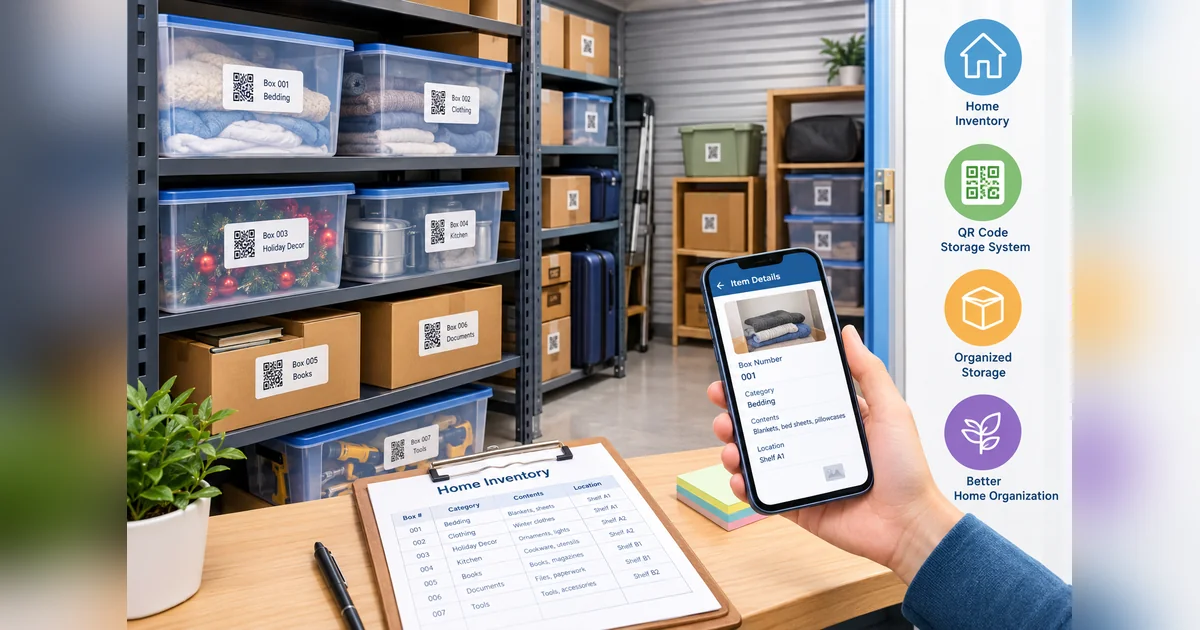
Next, create an inventory record for each container or group of items. Assign a unique QR code to the corresponding record and attach the code to the physical container.
When you need to find something, simply scan the code using your smartphone. The digital record can tell you what is stored inside and where it belongs.
This method can be especially useful when items are stored in locations that are difficult to access regularly.
QR Codes for Storage Boxes
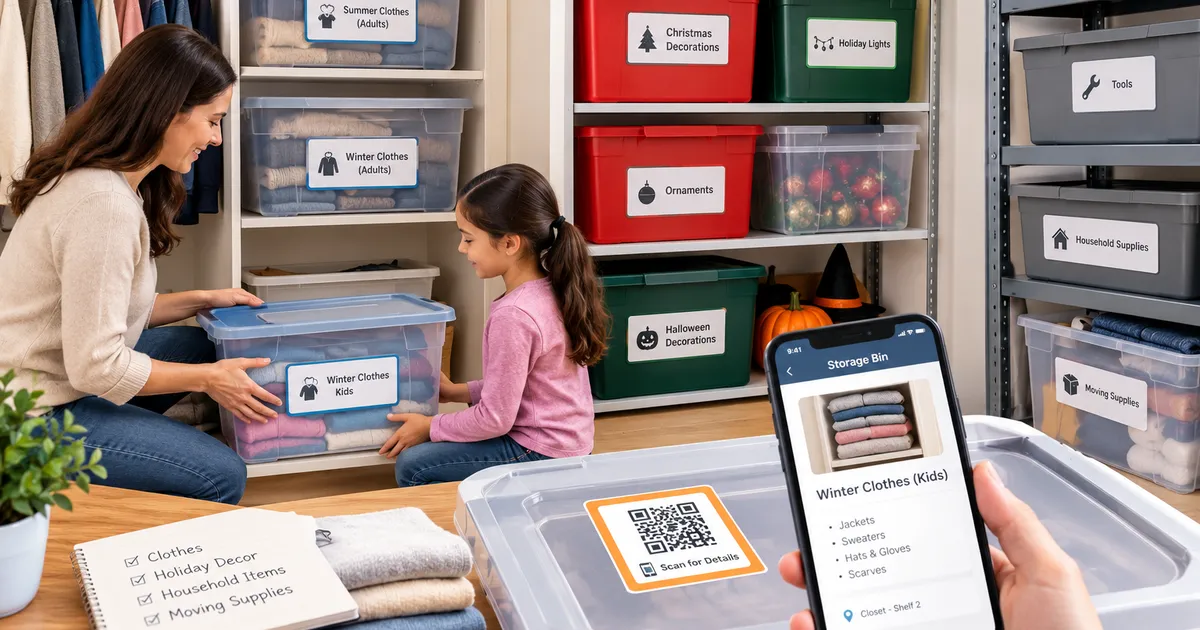
Storage boxes are one of the easiest places to use QR inventory labels. A handwritten label might say “Winter Clothes,” but a QR code can connect that box to more detailed information.
For example, an inventory record could include:
- Item category
- List of contents
- Quantity
- Storage location
- Date stored
- Notes about the items
You can also update the digital information when the contents of a box change. This reduces the need to replace physical labels every time you reorganize your storage.
Make Home Inventory Easier
A home inventory can quickly become complicated when belongings are distributed across closets, attics, garages, basements, and storage units. A QR-based system can help bring these items into one organized structure.
You can assign codes to individual containers and organize their information digitally. When you need a particular item, you can check the inventory rather than searching through every container.
This can be particularly helpful during seasonal changes, home moves, renovations, or major decluttering projects.
QR Codes for Moving and Packing
Moving is another situation where inventory tracking becomes valuable. During packing, boxes often look similar, and important belongings can become difficult to locate after everything has been transported.
A QR code can be placed on each moving box and connected to its contents. Instead of relying entirely on handwritten descriptions, you can scan the box and check its digital record.
You can also organize boxes according to rooms, categories, or priority. This makes it easier to determine which boxes should be unpacked first.
Reduce Time Spent Searching
One of the biggest advantages of digital inventory management is reducing unnecessary searching.
Without an organized system, finding one item may involve opening multiple boxes and moving containers around. A QR code inventory system gives you another way to identify stored items before physically accessing them.
For households with many storage containers, even small improvements in searching can make organization much easier.
Keep Inventory Information Updated
An inventory system is most useful when the information remains accurate. Whenever you remove an item, add something new, or move a container, update the corresponding record.
QR codes can make this process more flexible because the physical code can remain attached to the container while its digital information changes.
For example, a storage bin originally used for children’s clothing could later be repurposed for holiday decorations. Instead of creating an entirely new physical labeling system, you can update the inventory record connected to the QR code.
QR Codes for Storage Units
Storage units can contain dozens or even hundreds of boxes. Remembering the contents and exact locations of all those containers can become challenging.
A QR inventory system can help create a more structured overview. Each box can have its own identifier, while information about its contents and location can be maintained digitally.
Before visiting the storage unit, you can check your inventory records to determine which container you need. This can make storage-unit visits more organized and reduce unnecessary box searching.
Choosing the Right QR Inventory System
The usefulness of QR inventory tracking depends on how the system is designed. Look for a solution that makes it easy to create labels, scan codes, organize information, and update records.
Durable labels are also important for storage environments. If labels are exposed to moisture, dust, frequent handling, or changing temperatures, choosing suitable QR code stickers can help maintain readability.
The system should also be simple enough that everyone who uses the storage area can understand how it works.
Make Your Storage Smarter With QR Codes
A QR code for inventory can turn ordinary boxes and containers into easily identifiable parts of a digital organization system. Instead of depending entirely on handwritten labels or memory, you can connect physical storage with accessible digital information.
From home organization and moving boxes to storage units and business supplies, QR inventory tracking can help you identify items faster and maintain more organized records. With consistent labeling and regularly updated information, your storage system can become easier to manage as your inventory grows.
If you want a more convenient way to organize stored belongings, consider using QR labels for storage containers and building a system that lets you scan, identify, and manage your inventory from your smartphone.