Business & Inventory Organization
Running a business — whether it’s a five-person startup, a nonprofit, a classroom, or a warehouse team — comes with a constant, quiet problem: keeping track of what you own, where it is, and who has it. This category covers practical ways to organize equipment, supplies, and assets so your team spends less time searching and more time working.
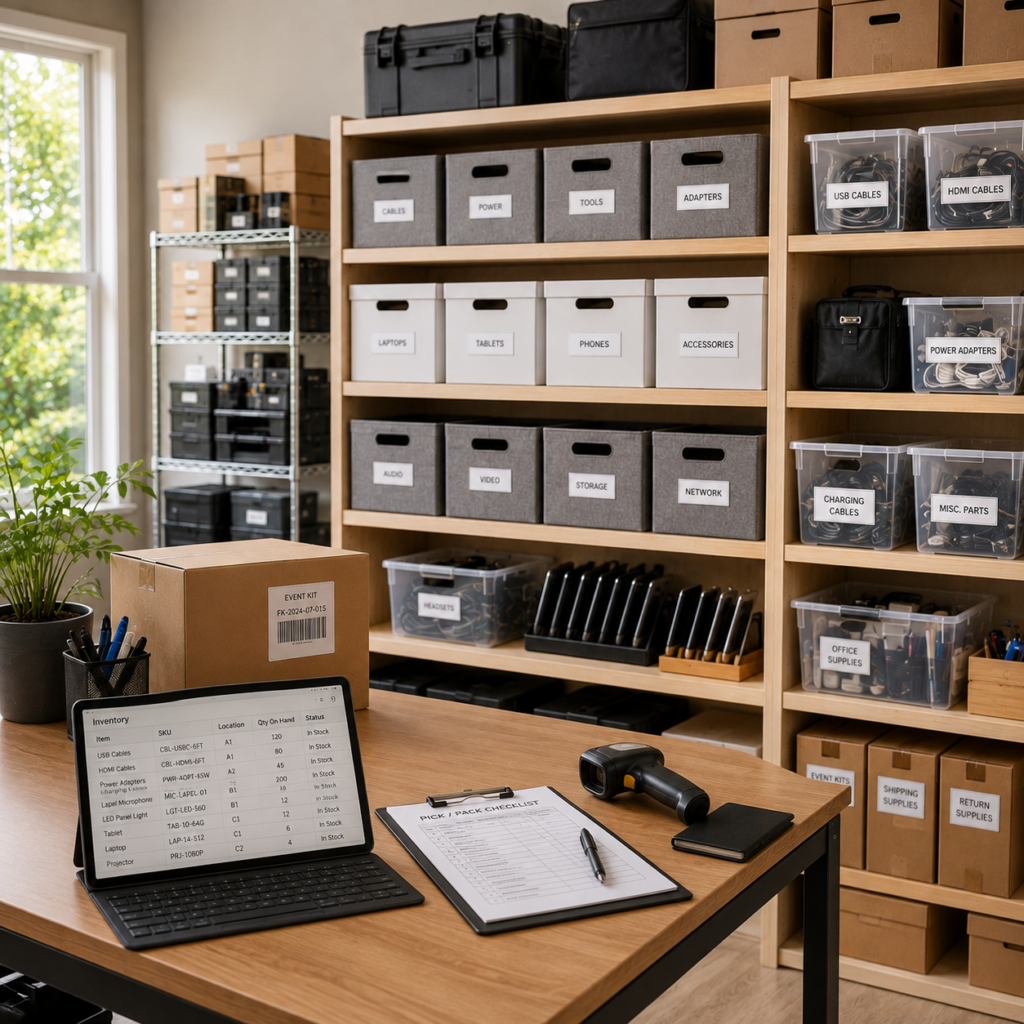
Why Inventory Organization Matters for Small Teams
Small teams rarely have a dedicated operations person managing equipment full-time. That means inventory tracking has to be simple enough that everyone actually uses it — not a system so complicated it gets abandoned after a month. Poor tracking leads to real costs: duplicate purchases, lost equipment, and hours wasted hunting for things that should take seconds to find.
Common Inventory Problems Small Businesses Face
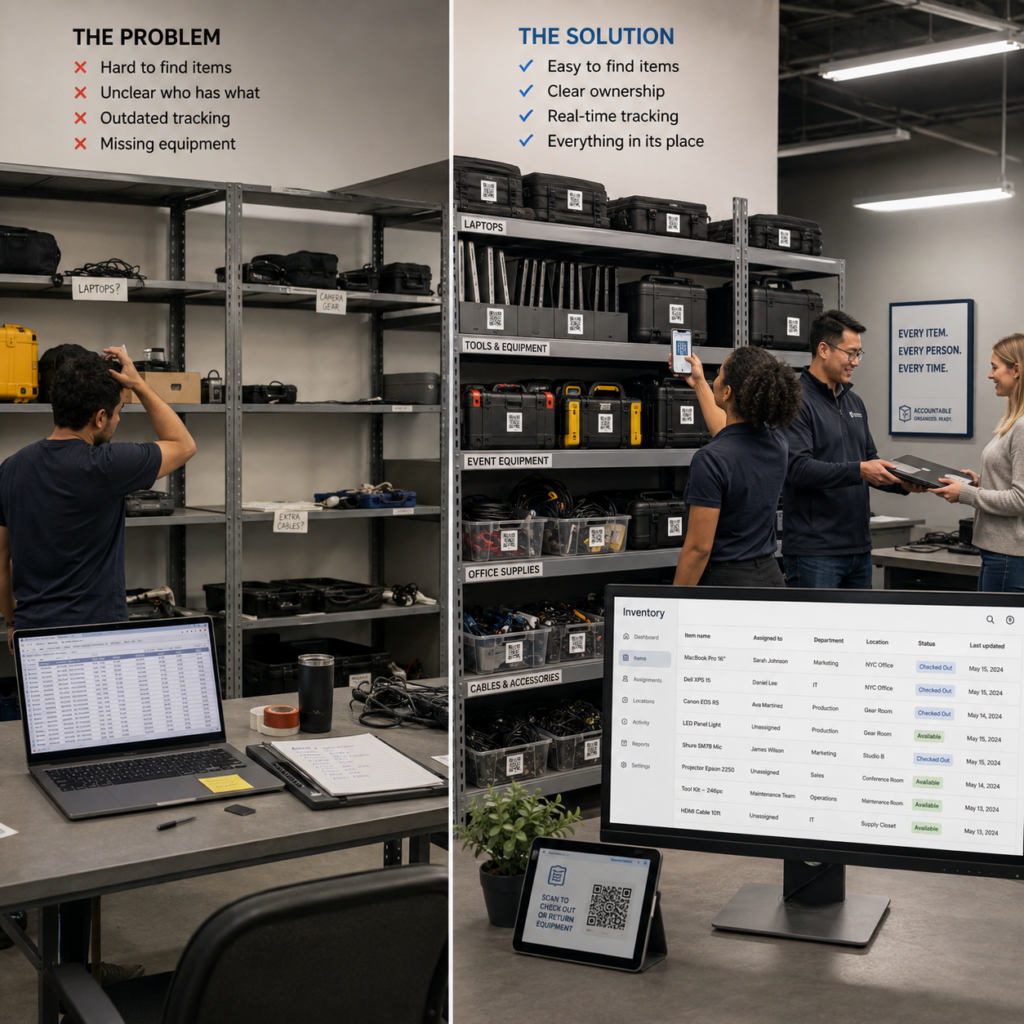
- Equipment “disappearing” between departments or team members
- No record of who last used or borrowed an item
- Spreadsheets that go out of date within weeks
- Difficulty proving what assets exist during audits or grant reporting
- Buying replacements for items the team already owns, but can’t locate
What Good Inventory Systems Have in Common
Whether you’re tracking laptops, tools, lab equipment, or event gear, effective systems share a few traits:
- A single source of truth — one place everyone checks, not scattered notes or memory
- Fast updates — logging a change should take seconds, not minutes
- Clear ownership — every item has a person or department responsible for it
- Searchability — you can find an item’s status without scrolling through a giant list
Setting Up an Inventory System From Scratch
Decide What Counts as an Asset
Not everything needs tracking. Focus on items that are expensive, shared, or easy to lose — equipment, tools, electronics, and anything with a real replacement cost.
Choose a Tracking Method
Options range from basic spreadsheets to full asset management software. For most small teams, a QR-based system hits the sweet spot: no special hardware needed, updates from any phone, and a record that travels with the item itself instead of living in a separate file someone has to remember to check.
Build the Habit
The best system is the one people actually use. If checking an item in or out takes a two-second phone scan, it sticks. If it requires opening a shared spreadsheet and finding the right row, it won’t.
Home Inventory
Track what you own with practical methods for records and routines.
Where QR-Based Tracking Helps Most
Digital, scan-based tracking tends to make the biggest difference in a few specific situations:
- Shared equipment across locations — see instantly where something is and who has it
- Nonprofit and grant reporting — maintain a clear, up-to-date asset record for audits
- Loaner and check-out systems — track equipment leaving and returning without a manual log
- Small warehouses and stockrooms — reduce time spent searching shelves
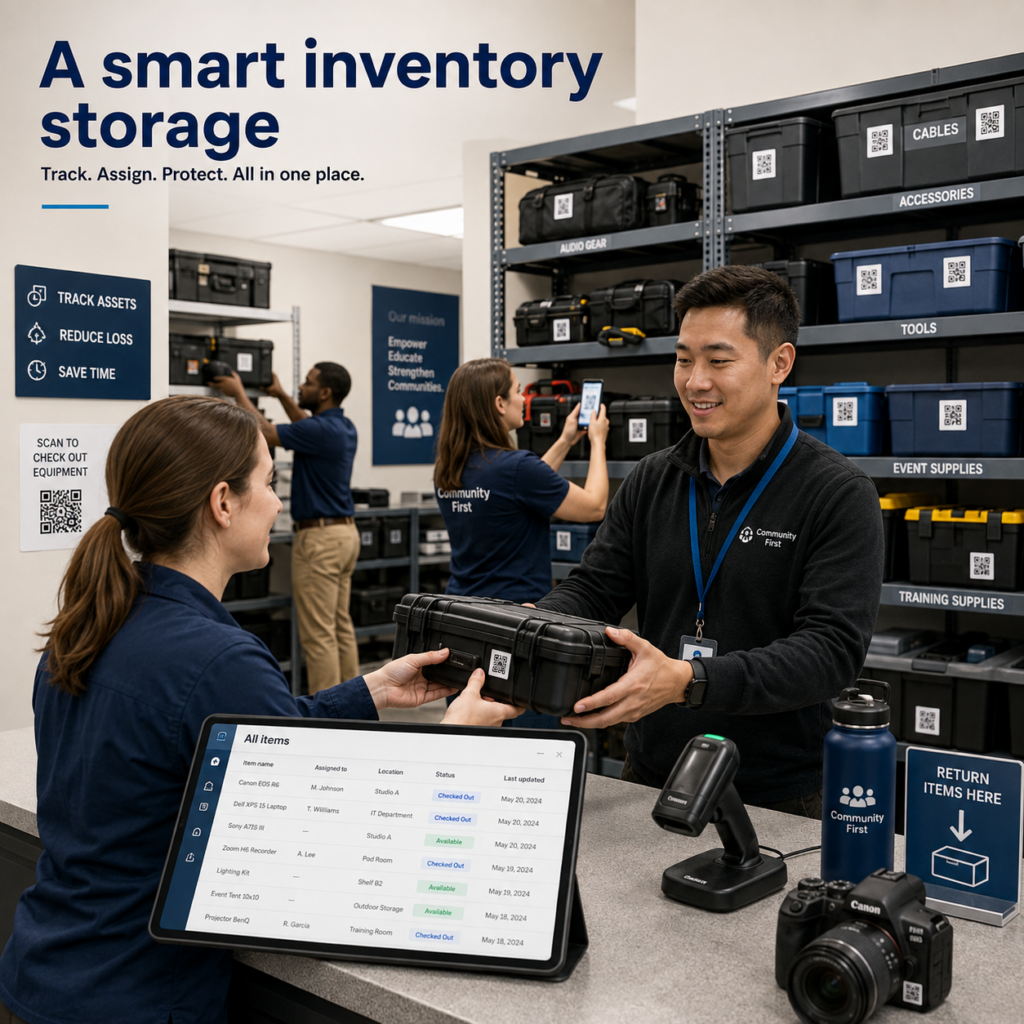
Get Started
If your team is still tracking equipment from memory or a spreadsheet that’s always a little out of date, it may be time for a system that keeps up automatically. Tools like Elephant Trax make this easy — each item gets a QR tag linked to a live record, so anyone on the team can scan, check status, and update details in seconds, without digging through a spreadsheet.
Reach out with topic ideas, feedback, or questions about organizing content and resources.